Mo Services, Mo Problems
As I started using Claude Code, I must confess that I found it pretty exciting. I had more ideas than mental capacity to deal with them. I’d send Claude off on a task and then I’d think: You know, I’ve always wanted to… And then I start another project. Then I’d go back to a previous project and think: OK where was I? Oh yes now I remember. But after a while it became a little unmanageable. So I thought: You know I should really have Claude manage this for me.
So I started another project. This time in a space parallel to my current projects. I opened the CLAUDE.md file in the service manager directory and started typing. I had Claude build it, and then I refined it until I had this (content warning, service tickets are involved):
What you’re looking at is a dashboard of the different services. It indicates if the service is up and healthy. If I want to work on that service, I can go to it and from there I can create tickets. If you work in corporate America this may be traumatic (but you were warned). The way service tickets work is you can just type in what you want Claude to do. Set Autopilot to true, and click Create. You can do other work and come back later to see the status of things.
In this instance I saw how something in my note taking app was working and I wanted to change it. So I typed in what I was looking for and sent it on it’s way. You’ll notice it didn’t quite work the way I wanted, so I reopened the ticket to clarify.
There are different levels of interaction. For small things like this, I’ll just use a ticket. If I want to have a longer discussion about it, you see the claude interface is embedded directly in that services details page. And if its even more involved, I’ll just open a prompt on the server.
I can use this to monitor how many tokens I’m using. The dollar amounts are not really relevant because I’m using a monthly plan. Those amounts relate to how much it would cost if I were just buying tokens.
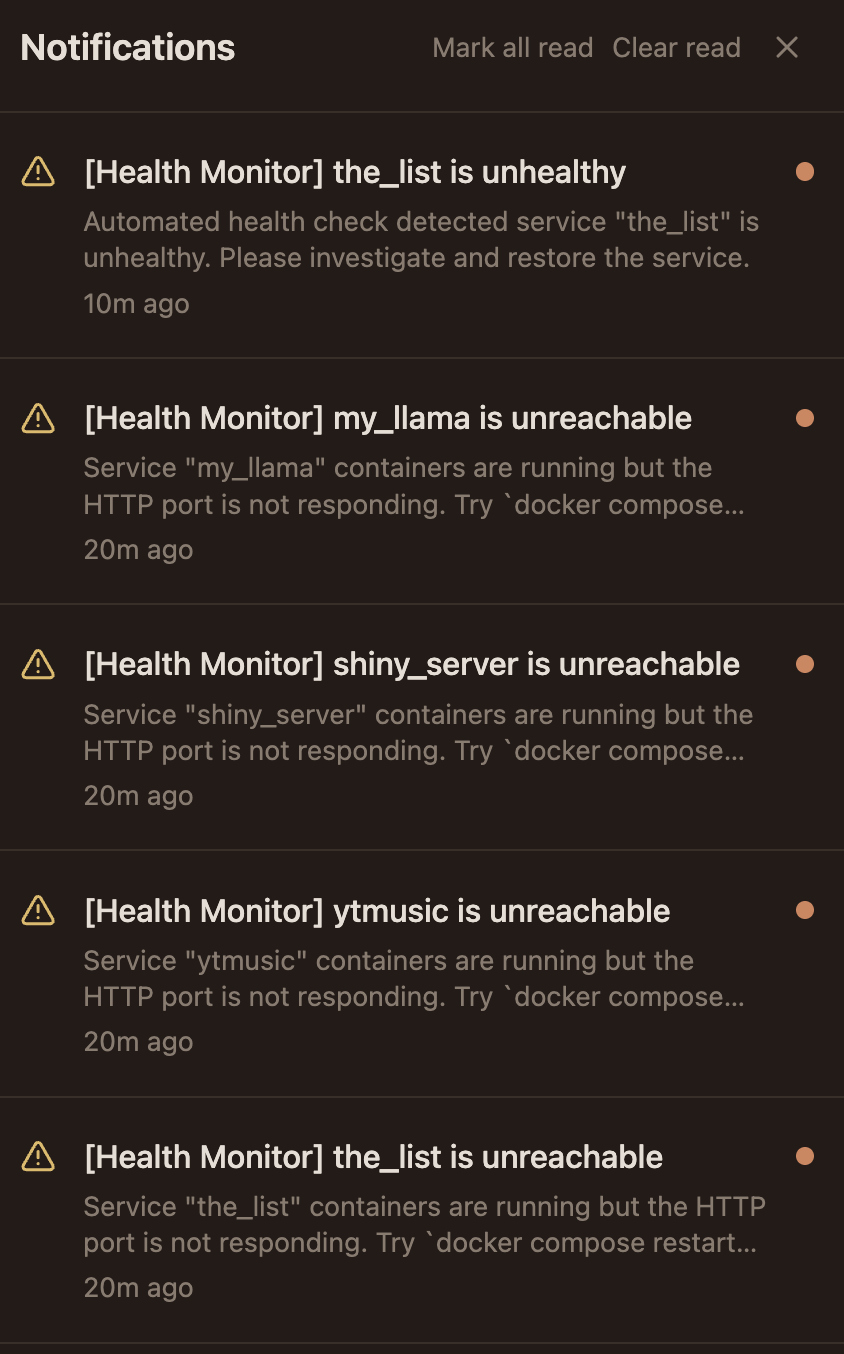
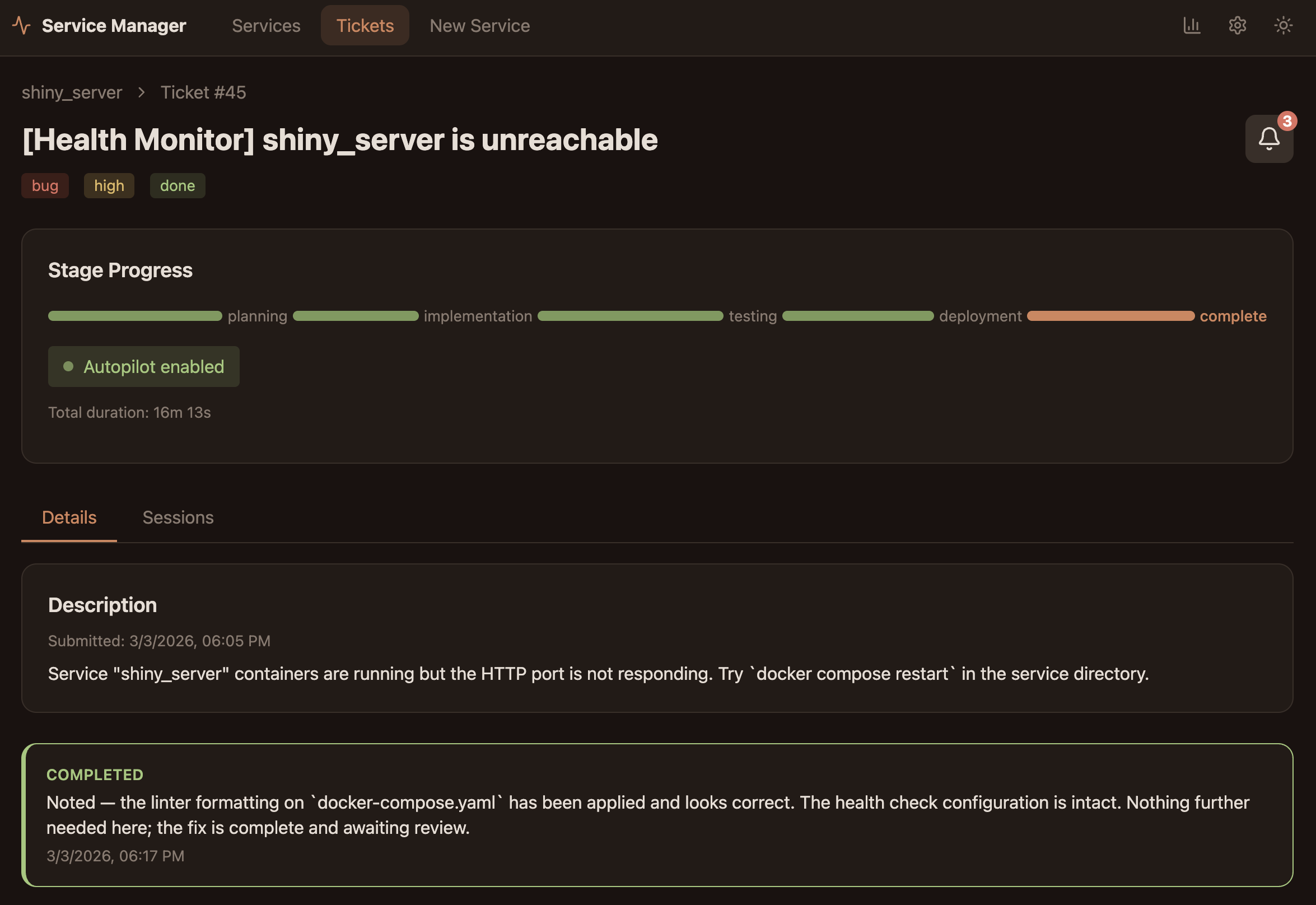
The service manager will also monitor the services. If they go down, it will create a ticket with autopilot set to fix the broken service. For example I had to increase the memory Docker could use. When Docker restarted it left some of the services in a bad state. You can see the errors that were generated below in the first tab. You can see the ticket that was generated and the container for the shiny_server was restarted and the problem fixed.